01
Tool-following snapshots
Switch diagnostics on the appliance and the same shared link follows the newly running tool.
Remote Monitor publishes a read-only snapshot of the diagnostic tool currently running on Wireless Toolbox, allowing anyone with the private link to follow measurements from a browser anywhere in the world.
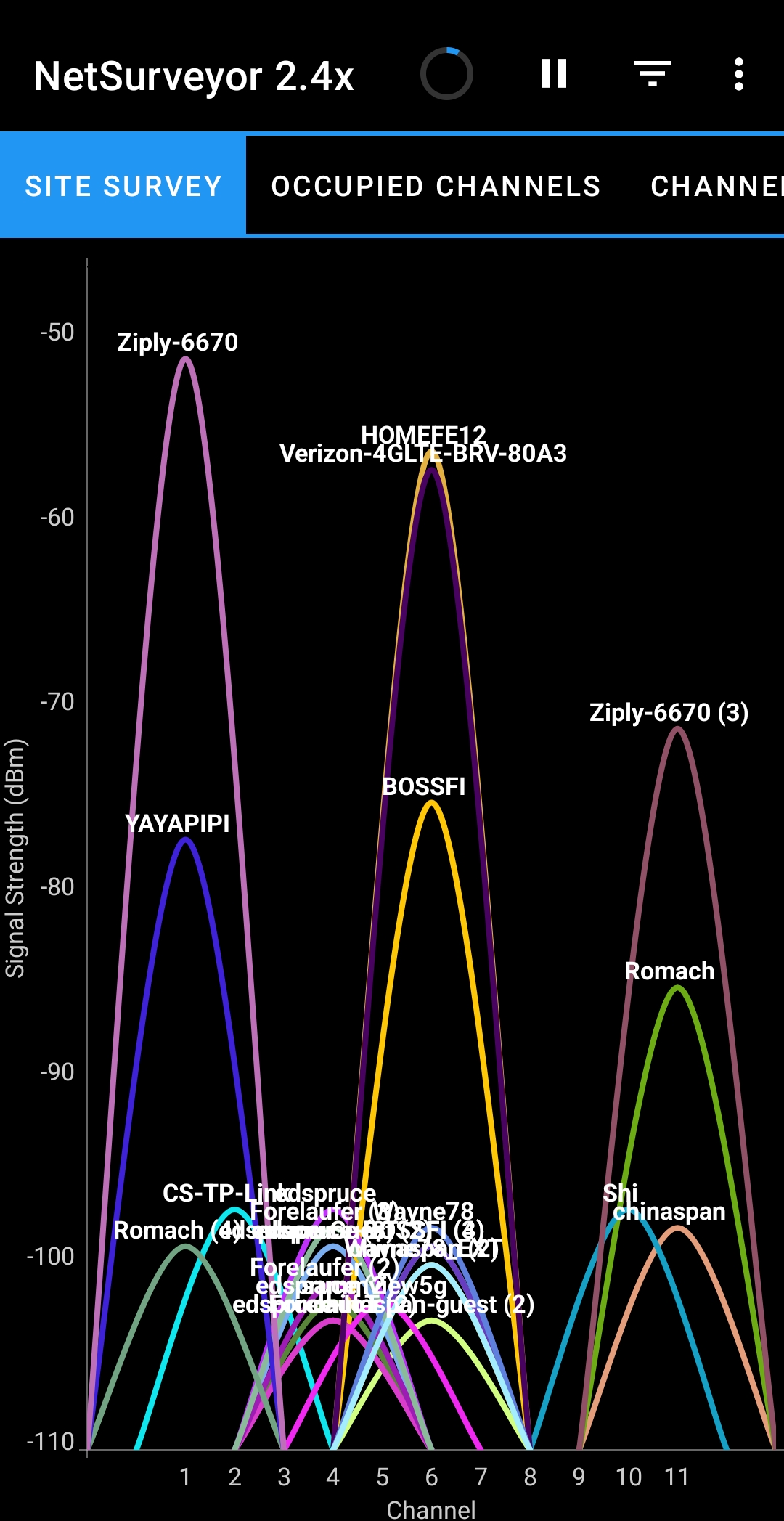
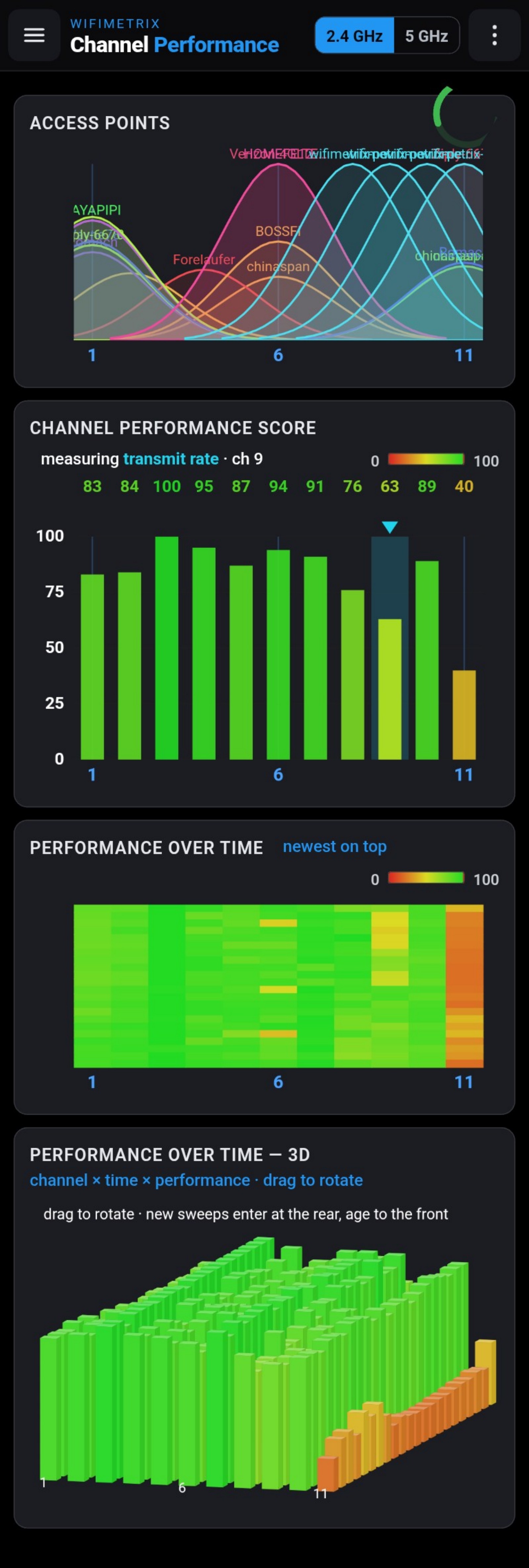
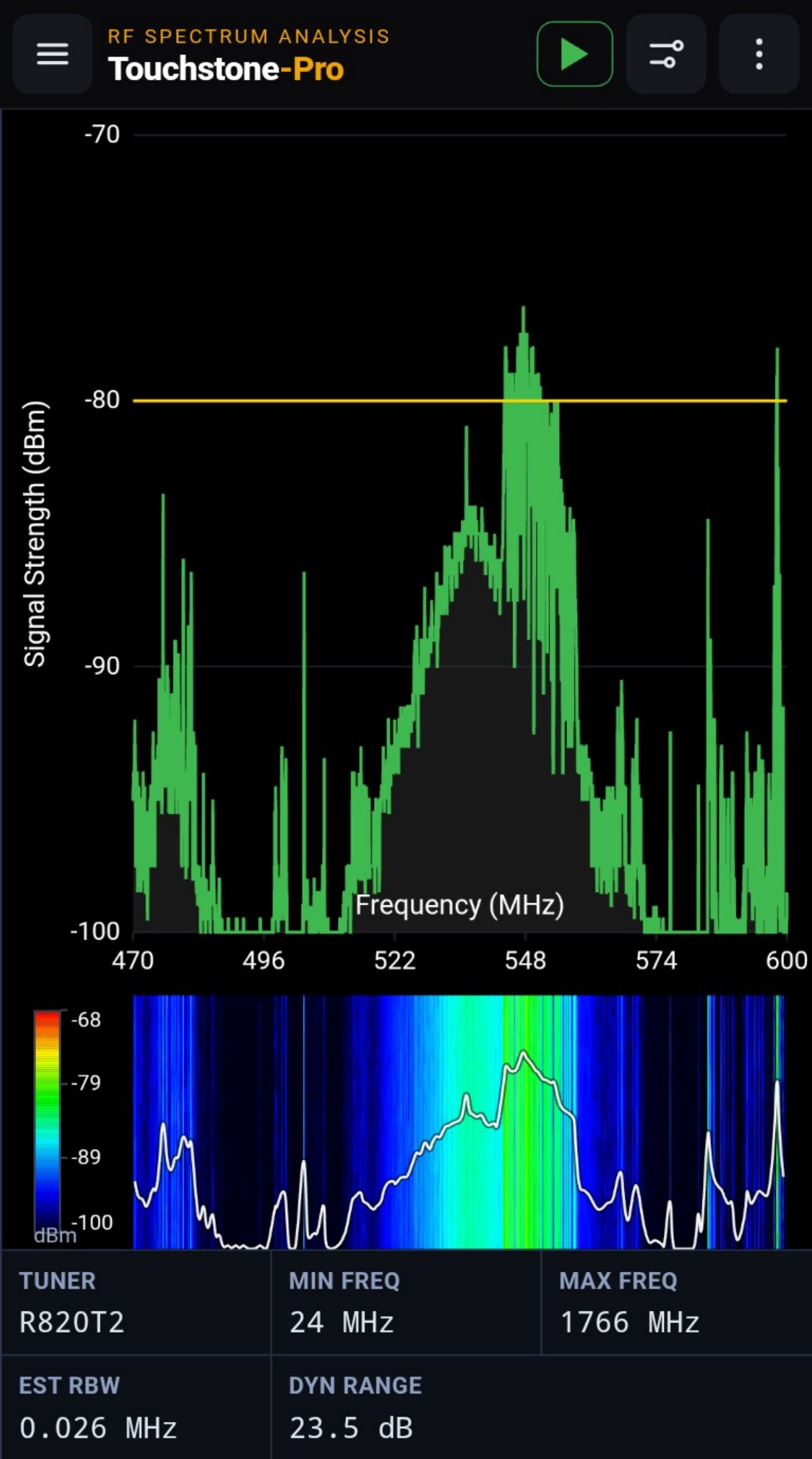
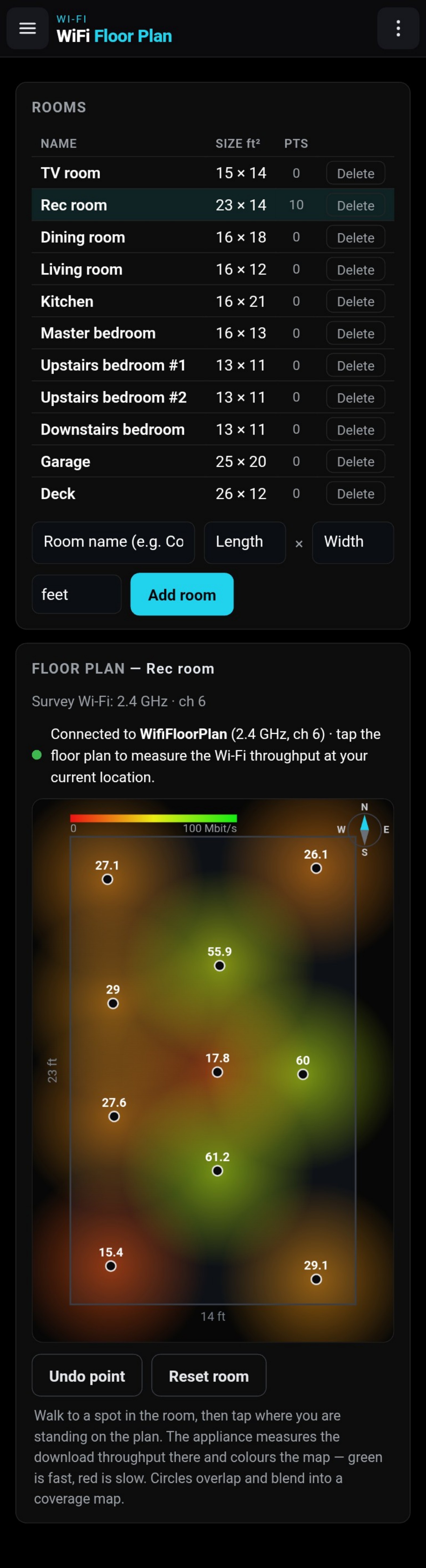
Remote Monitor captures a frozen picture of whichever diagnostic tool is running and sends it through an outbound internet connection. The shared browser view adds the measurement time and a countdown to the next expected update.
If the appliance stops publishing because it loses power, connectivity, or the running tool, the viewer displays a prominent NOT UPDATING state and dims the old measurement. A stale picture cannot be mistaken for current evidence.
Remote Monitor is designed for observation rather than administration, keeping the field operator in control of the appliance while others follow the data.
Switch diagnostics on the appliance and the same shared link follows the newly running tool.
Copy the link to share it, regenerate it to revoke earlier copies, or disable publishing entirely.
Timestamps, countdowns, and a stale-state warning distinguish a current measurement from a frozen one.
From the appliance menu, choose the available Wi-Fi network that provides internet access.
The appliance stops hosting WirelessToolbox while using its radio to join the selected network.
Share the private URL with the people who need to observe the diagnostic session.
Regenerate the link to invalidate an earlier copy, or turn Remote Monitor off to restore appliance-hosted Wi-Fi.
Responsible use: Anyone holding the shared link can view the published measurement. Treat it like a private shared-document link and regenerate it if it reaches an unintended recipient.
Remote Monitor extends the reach of Wireless Toolbox while keeping operation local, access read-only, and stale data unmistakable.